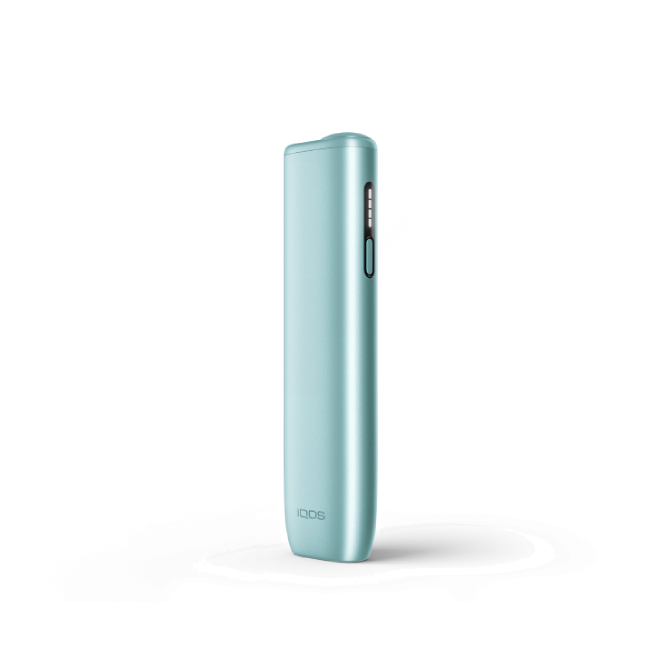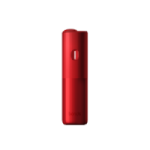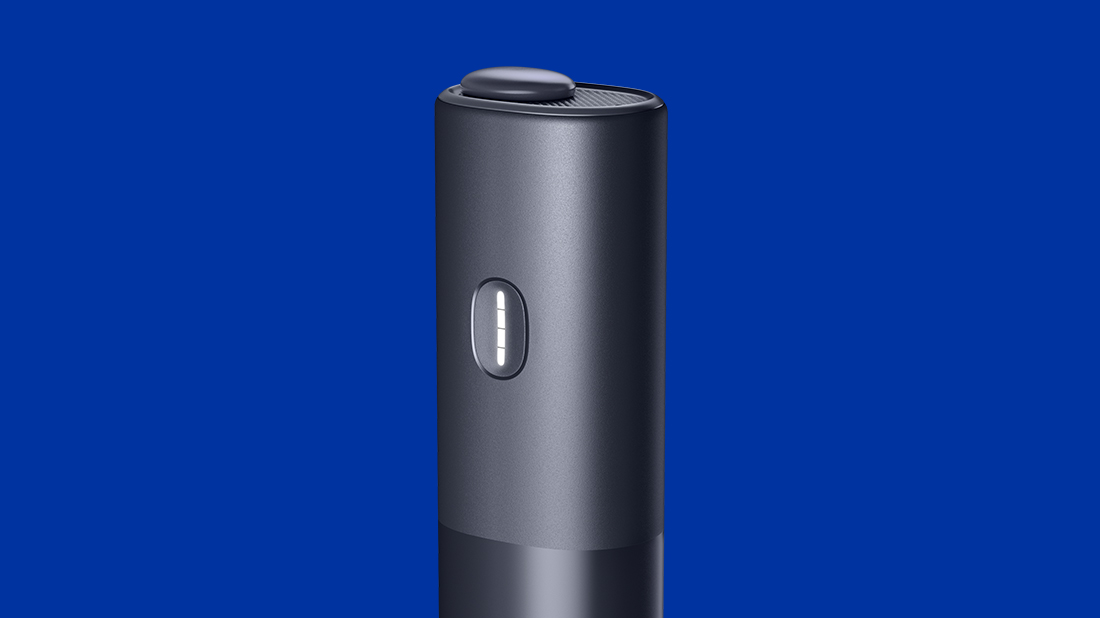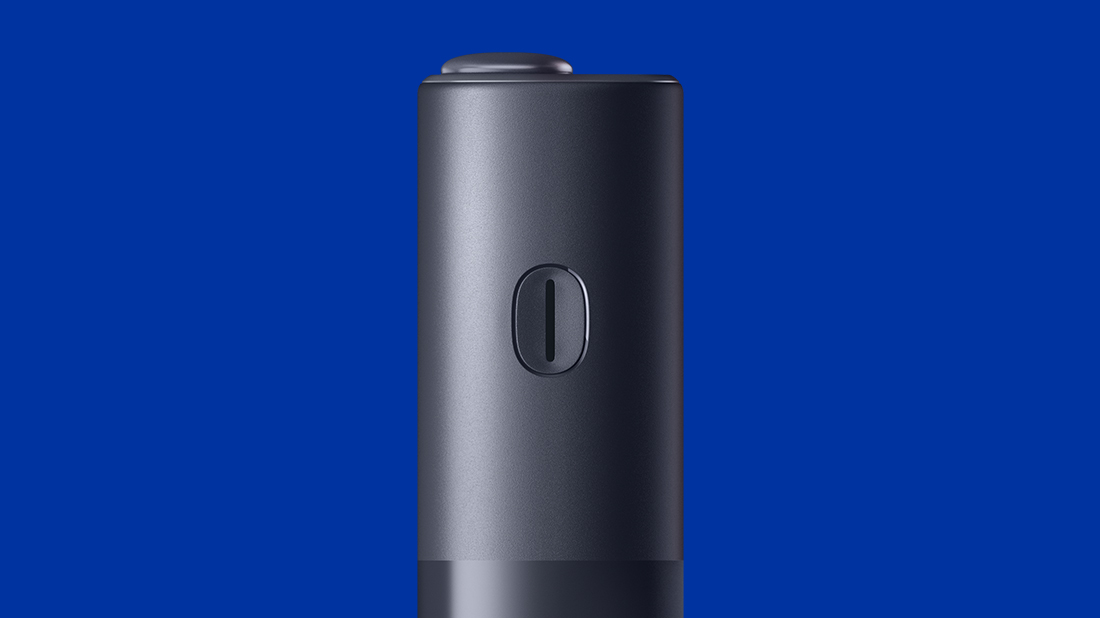
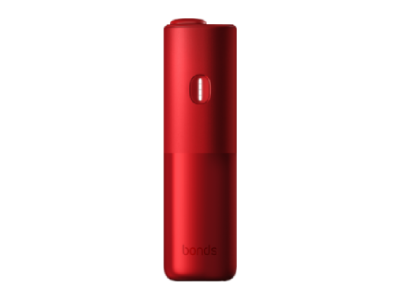






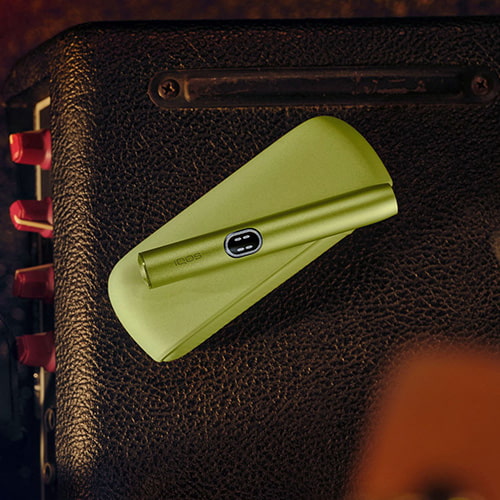
No lights on your BONDS by IQOS device?
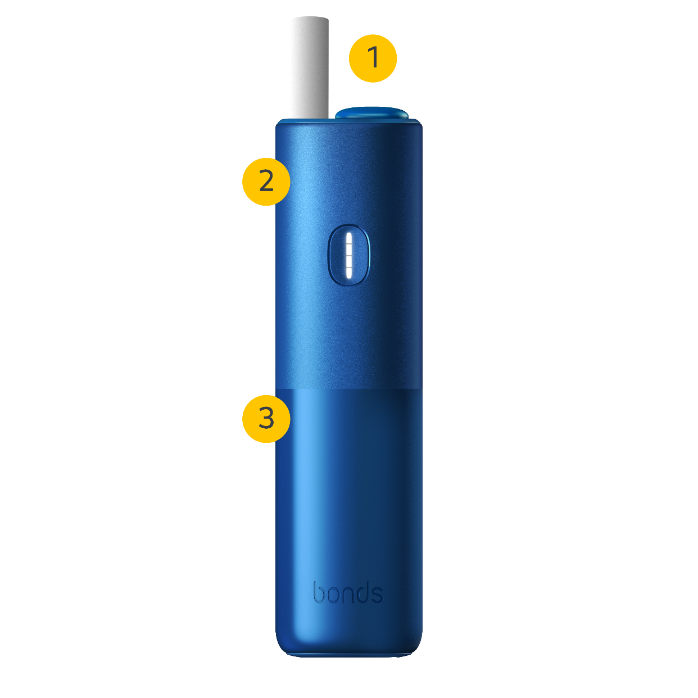
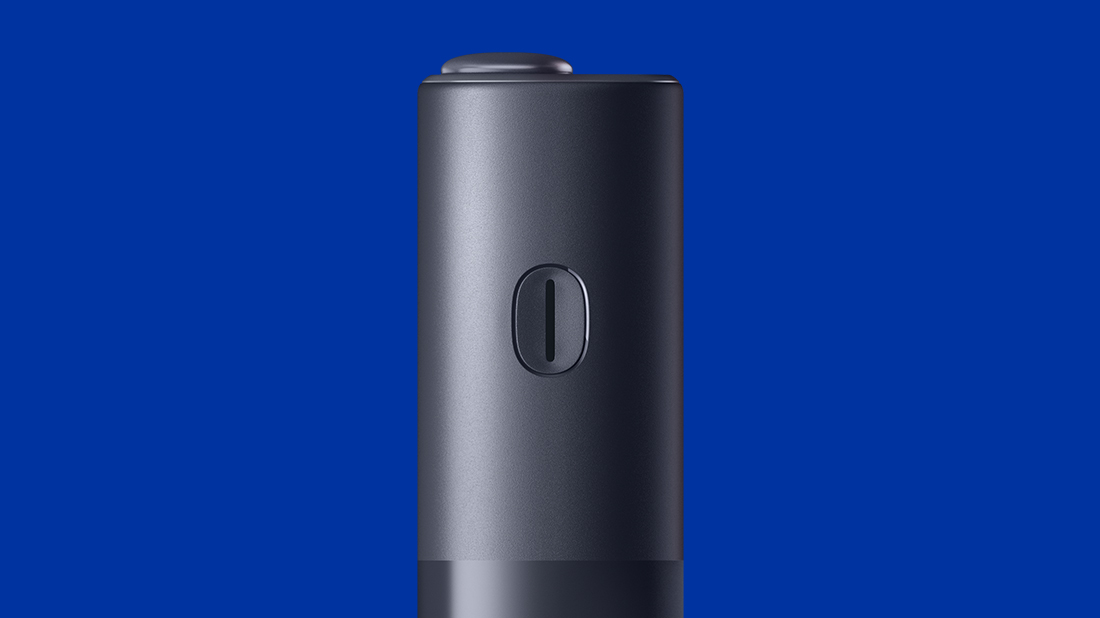
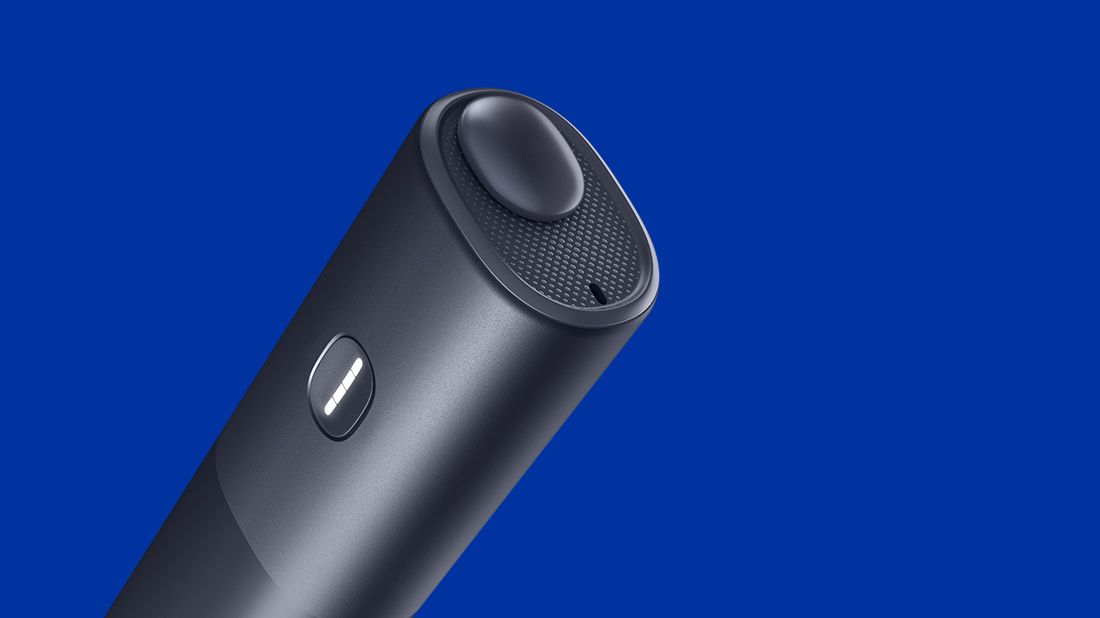
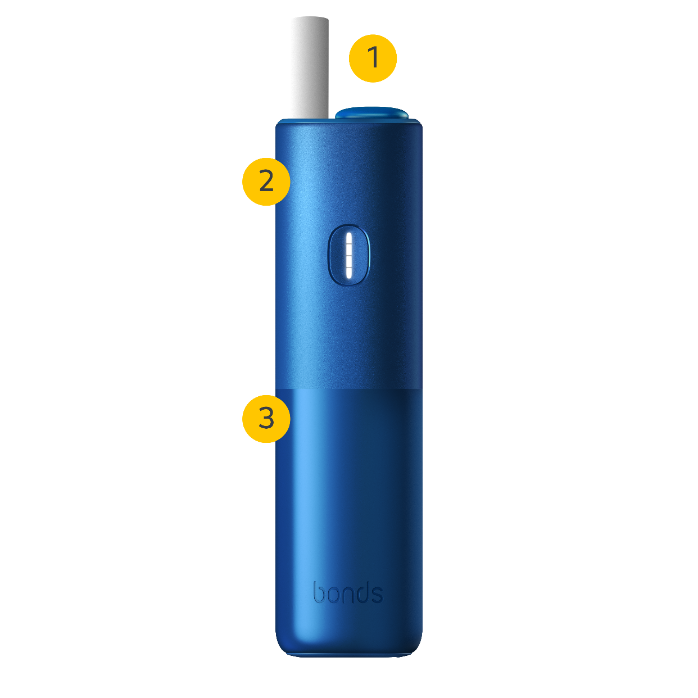
- Your device might be OFF. You can turn on your device by press and hold the button for more than 4 seconds, but less than 10 seconds then, release until four white lights will turn on slowly to indicate that the device is ready for next uses.
- Your device might be not charged: to charge, always use a manufacturer-supplied Charging Cable and certified AC Power Adaptor. As soon as you plug in for charge, you will see dotted lights blinking on your device. Once fully charged, make sure your device is switched on before enjoying the next experience.
- Your device might need a reset: press the button until the device vibrates 3 times, then release. All status lights switch OFF and turn ON to confirm a reset.
Are the status lights flashing?
- When status light blinks orange, it means that the battery is depleted, and thus in need of charging.
- Status lights blink white twice: Your BONDS by IQOS might have a temperature issue and could be outside of the operating temperature range (0°C to 40°C). Allow your device to reach back the operating temperature. Please note that using the device more than three times in a row with no pause will cause overheating.
- If the status light blinks red, please reset your device by pressing the button until the device vibrates 3 times, then release. All status lights will turn OFF and turn ON to confirm a RESET.
Is air not flowing through BONDS by IQOS as it should?
We are here to support you
- Regularly updating the firmware of your device will help you to maintain the device performance and improve your experience. It may also resolve your issue!
- You may place a self replacement order through our online diagnostics tool! We will help you step by step to identify your issue and let you know if you are eligible for a replacement, and if you are, we will arrange it for you! Visit self-diagnostics tool.