

Get to know your BONDS by IQOS
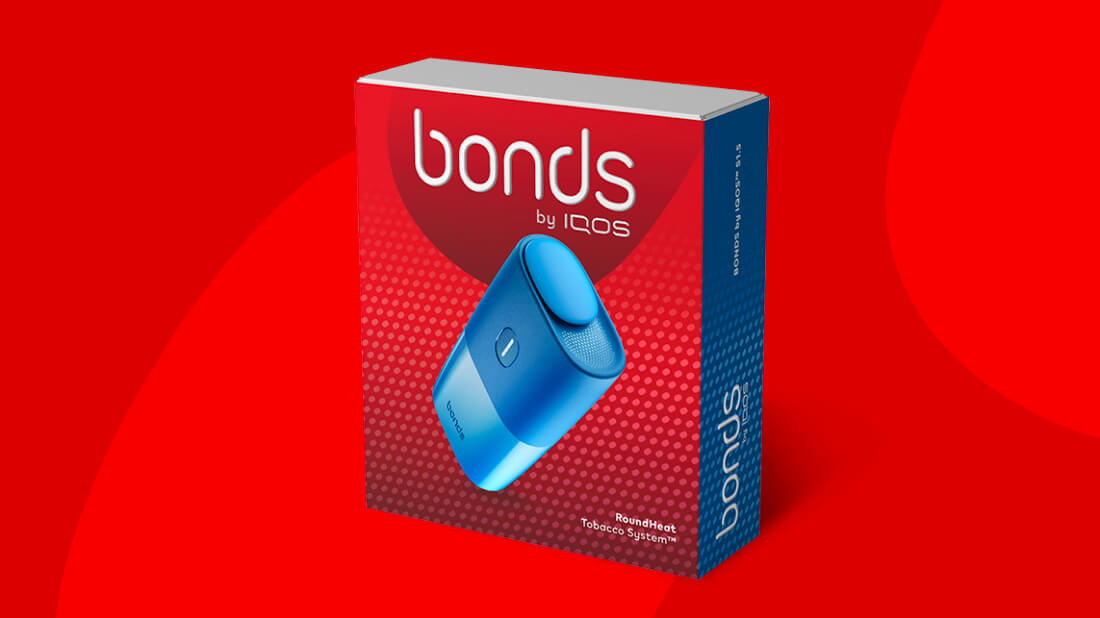
You’ve got your brand-new BONDS by IQOS: here’s everything you need to start your new experience:
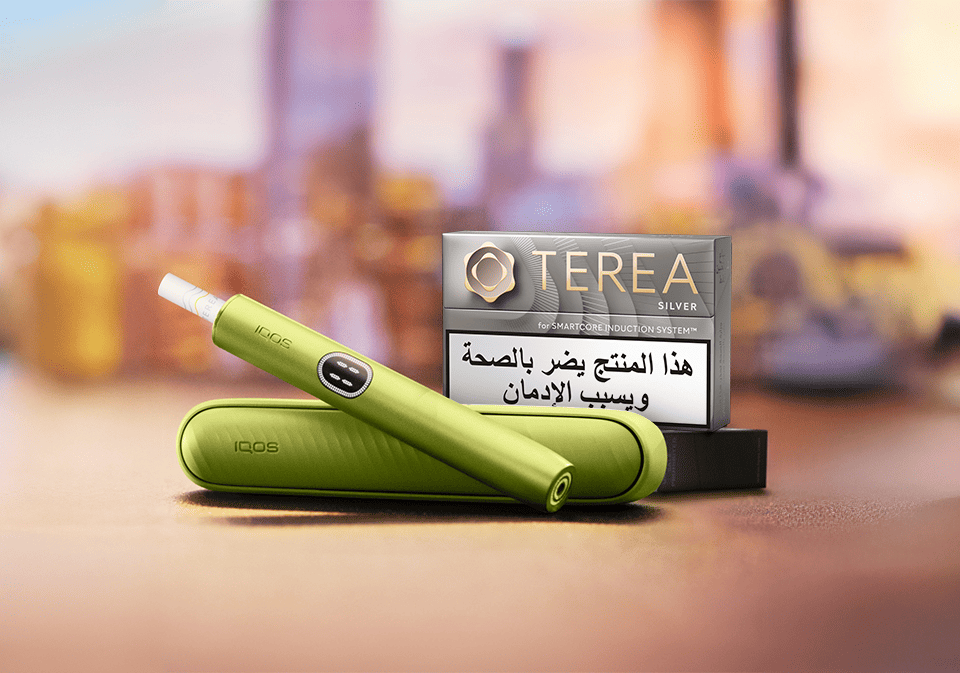
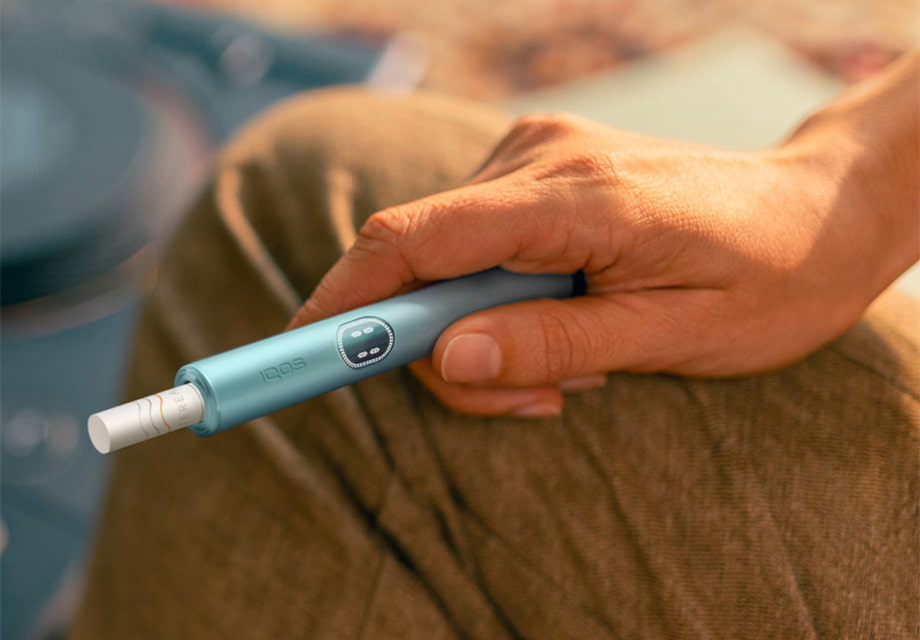
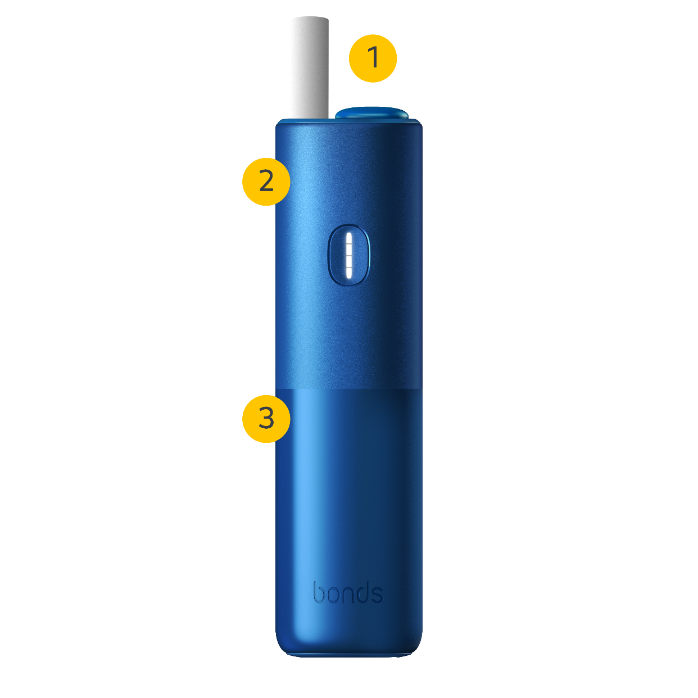
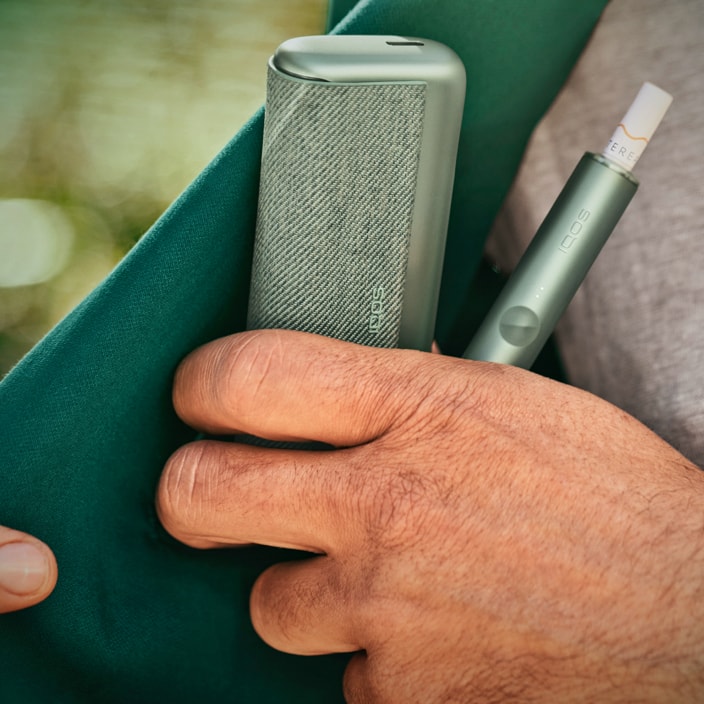
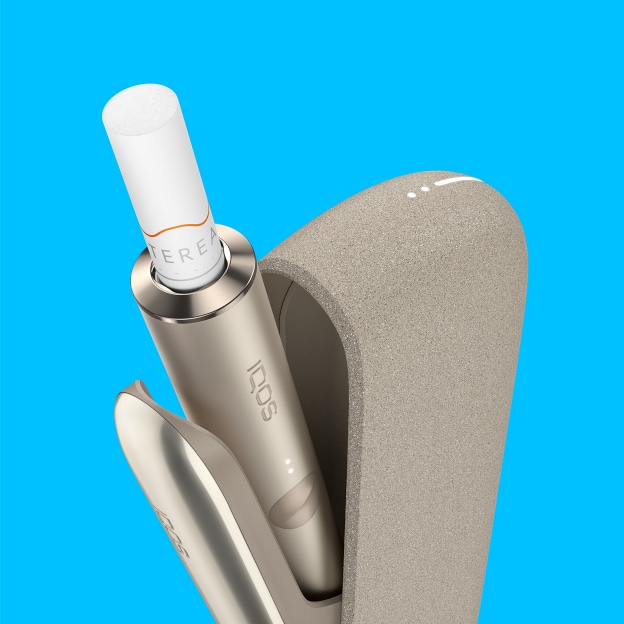
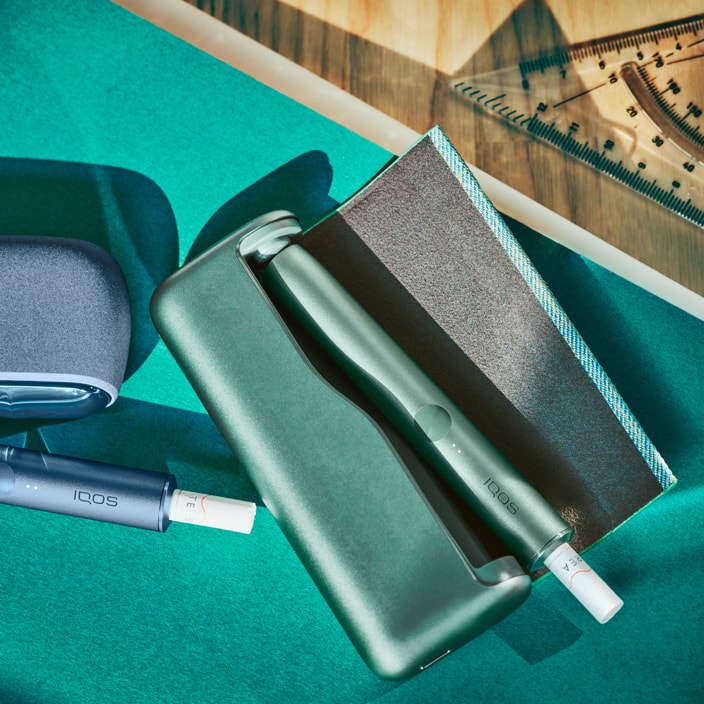
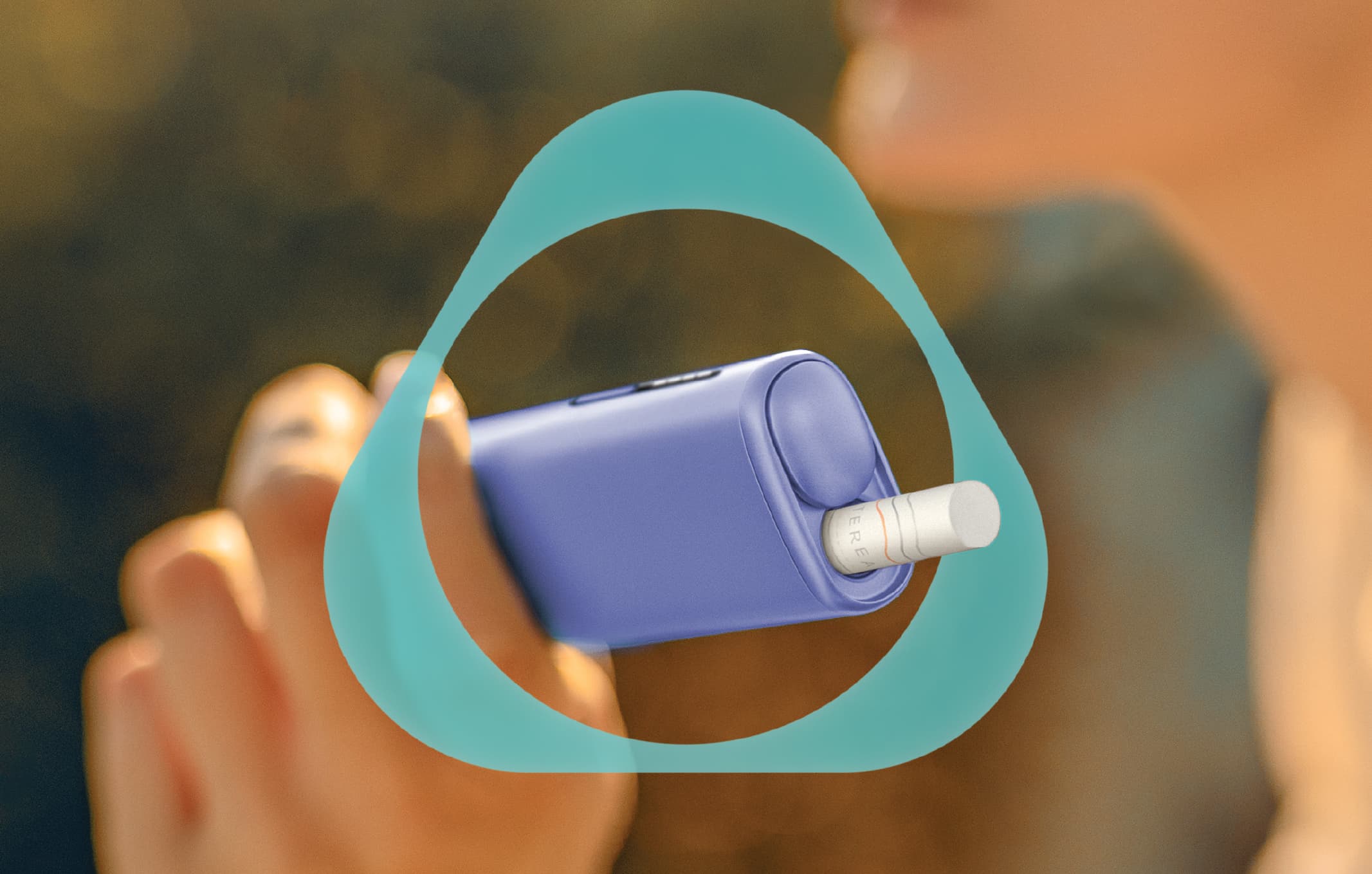
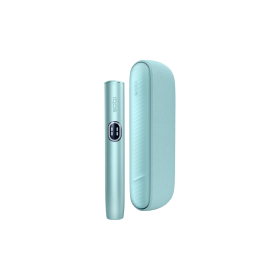
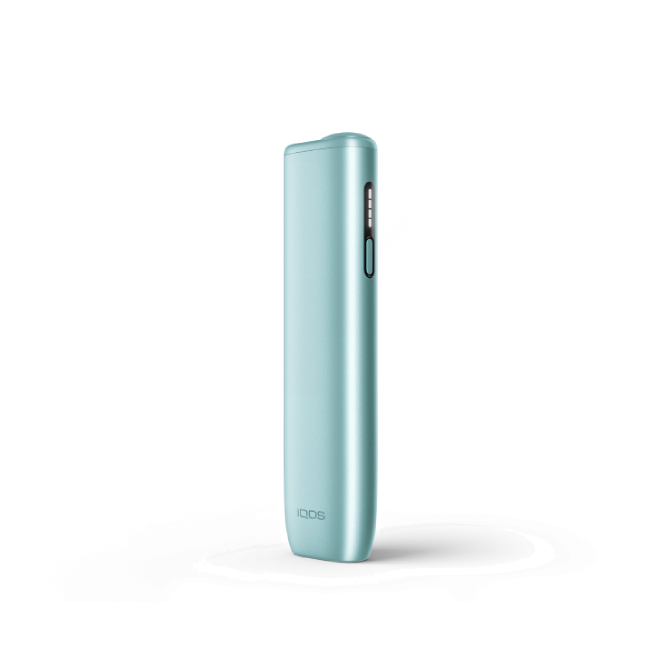
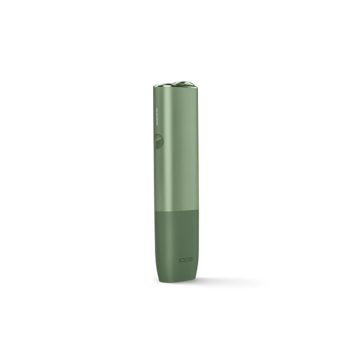
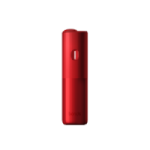
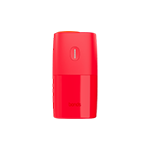
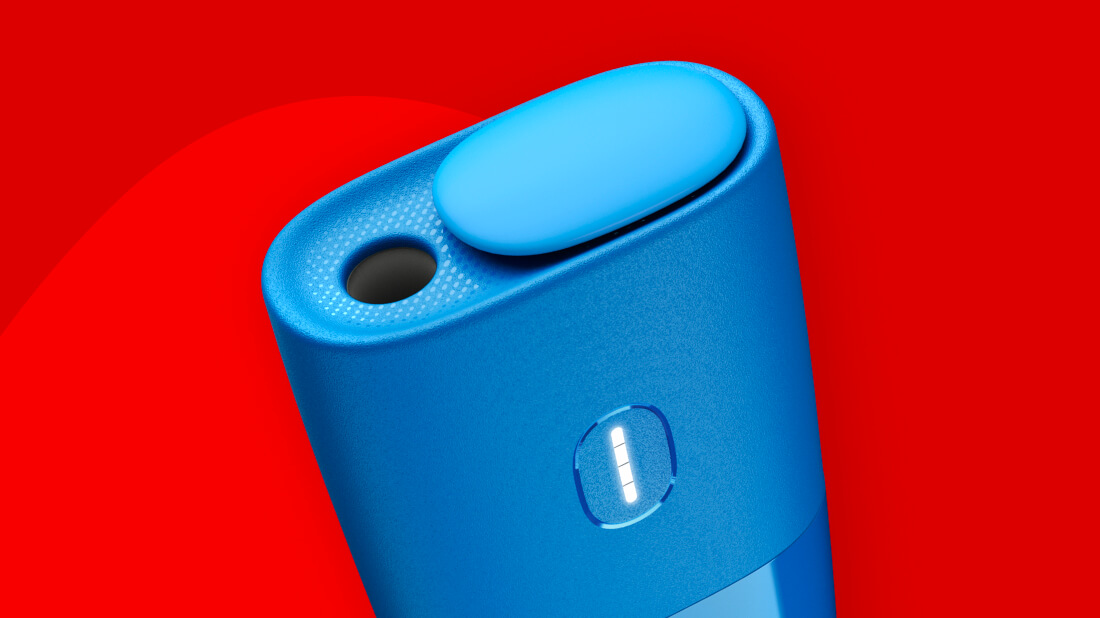
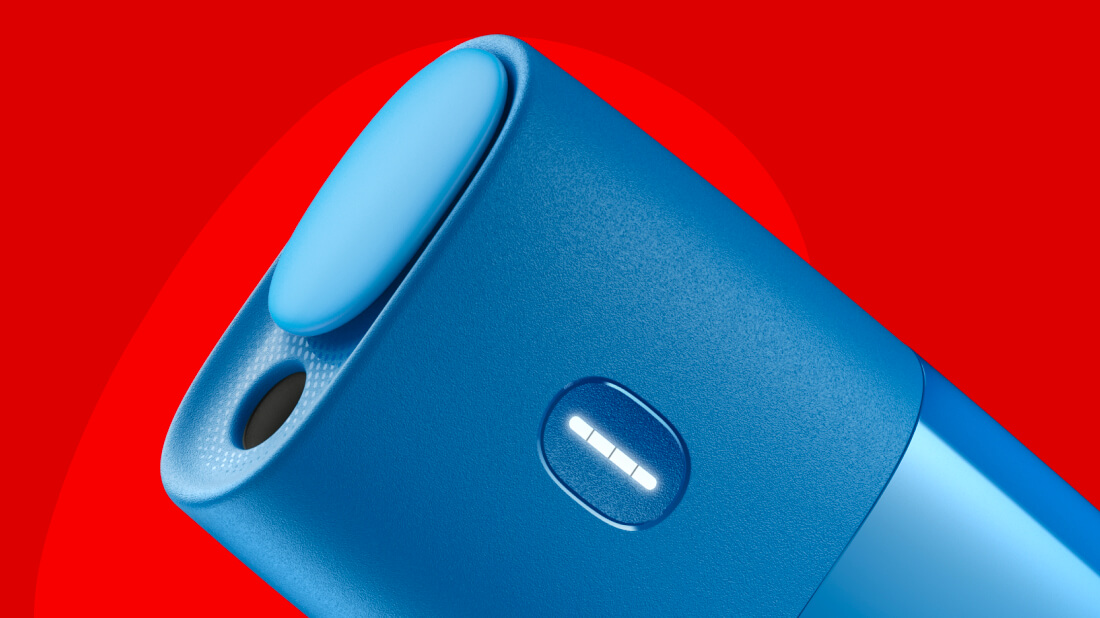
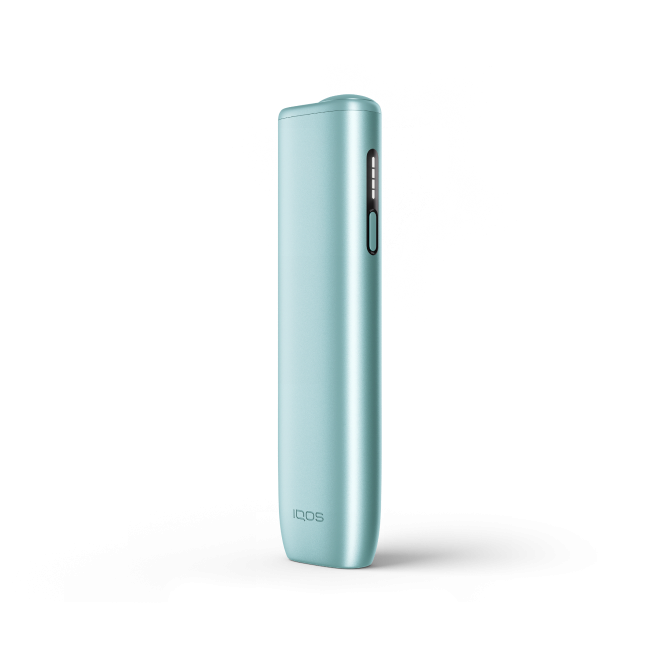
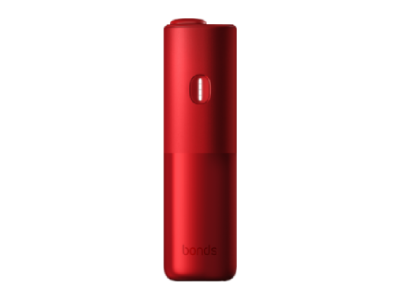
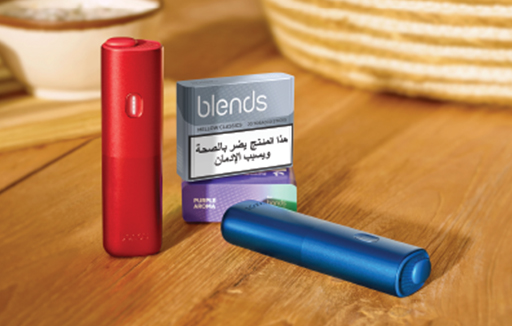
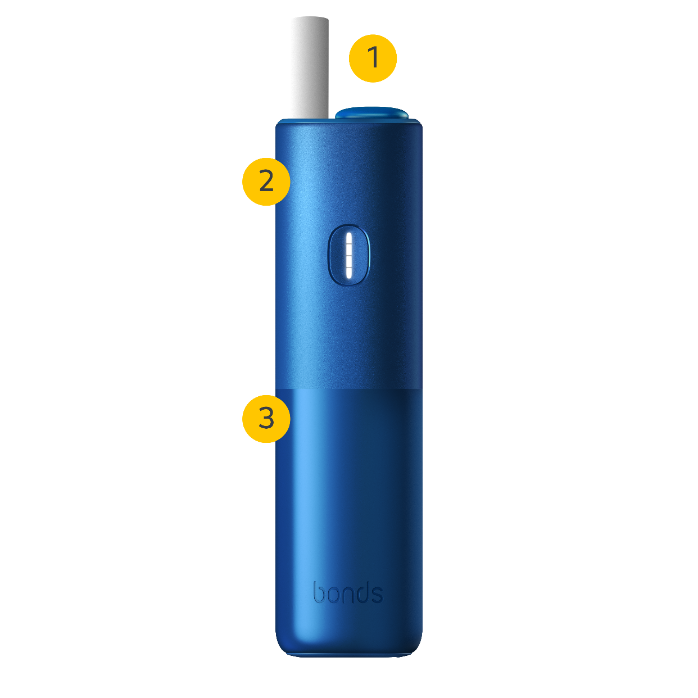
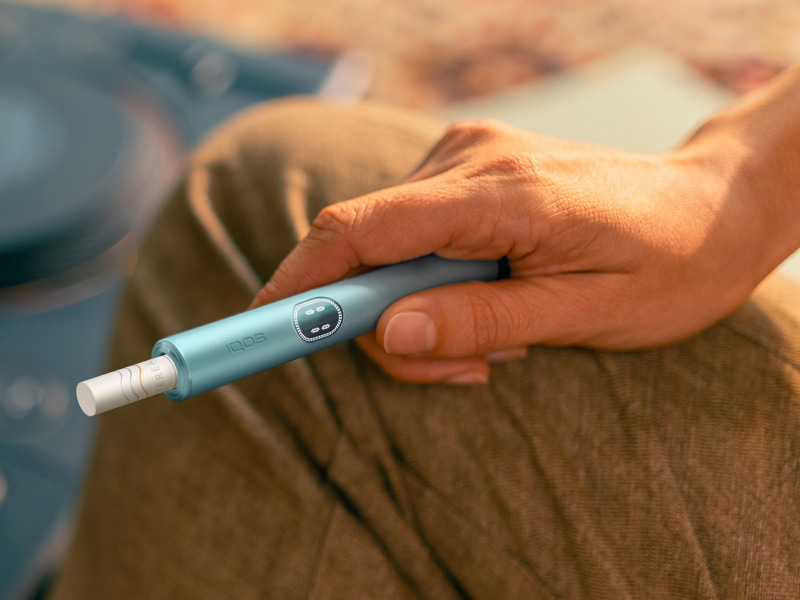
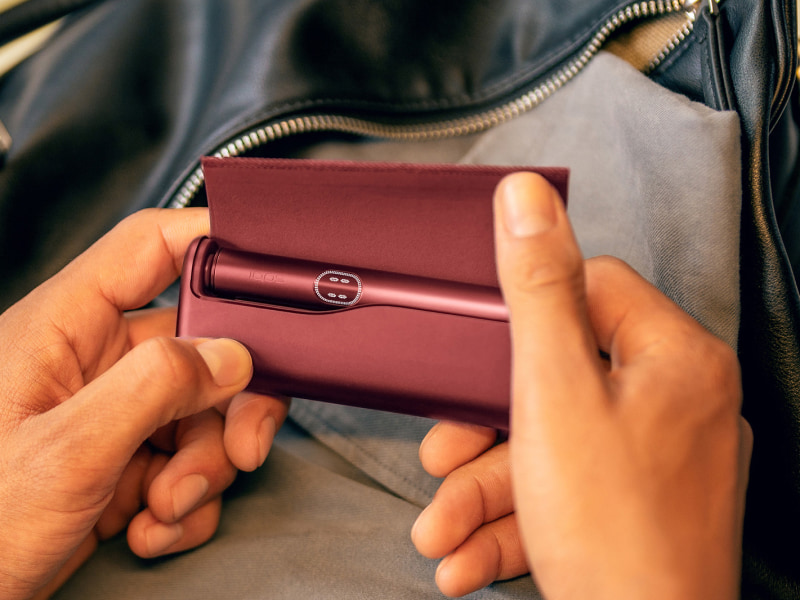
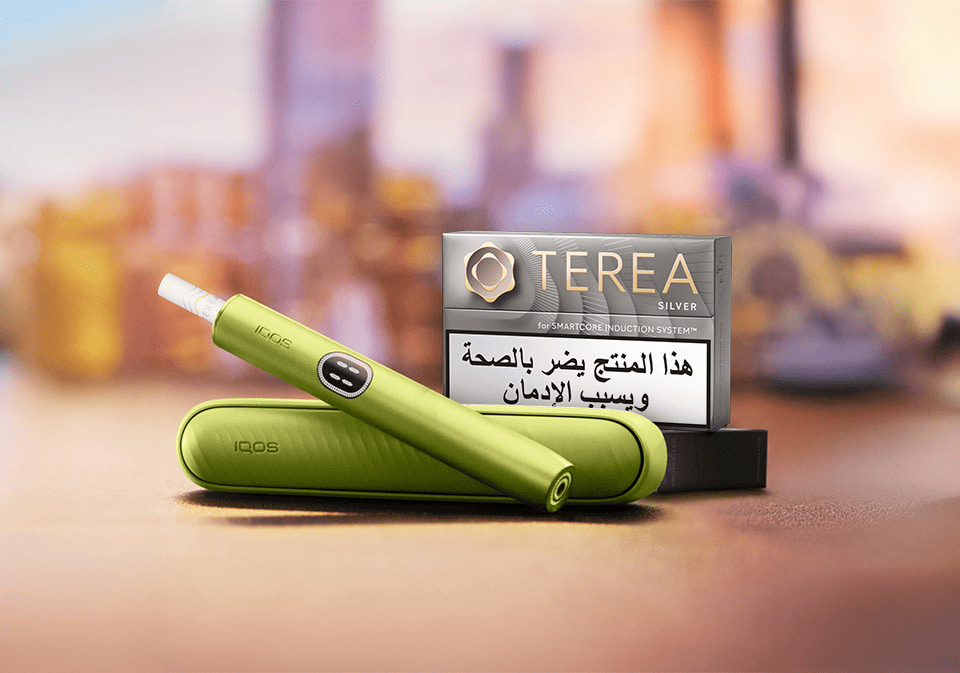
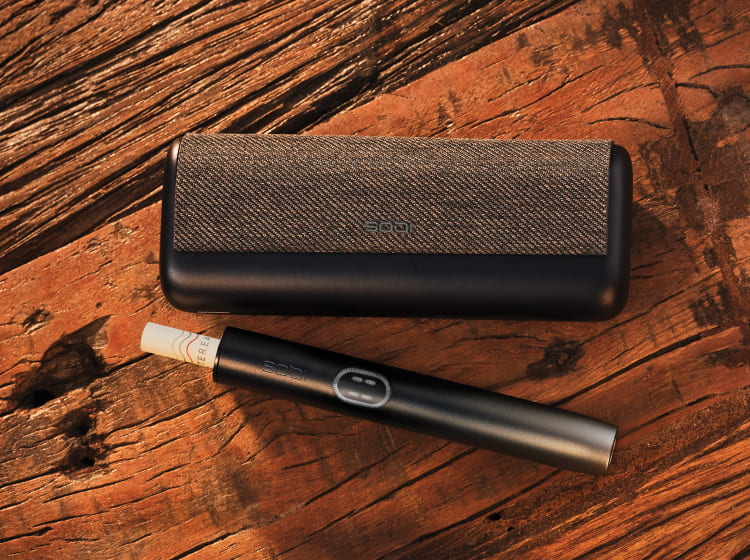
- Device: portable, pocketable. It consists of:
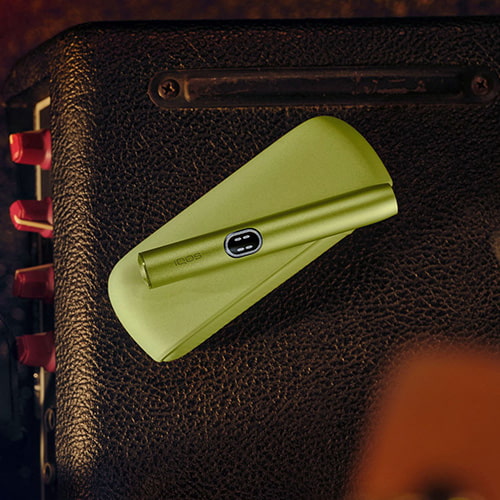
- A pebble-shaped slider: placed on top of the device, this is where the BLENDS sticks should be inserted. Slide to open it and start your experience.
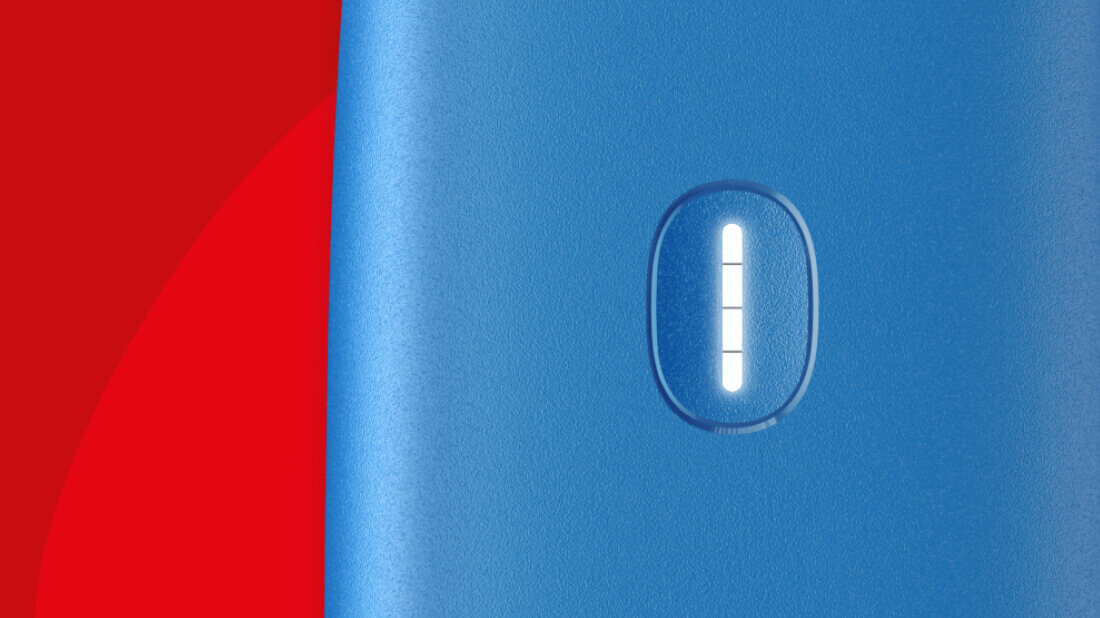
- An ON/OFF Button: placed on the front side of the device, it features four LEDs that will help you keep track of the overall status of your device, the experience countdown, and the battery’s charging level. For more info, you can visit our troubleshooting section.
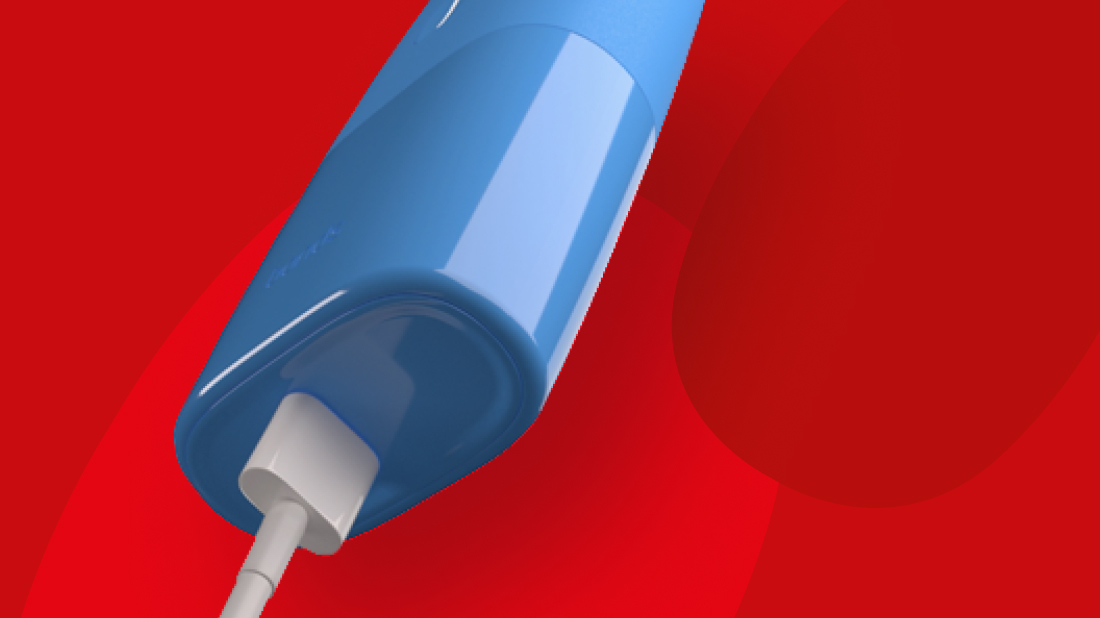
- A charger port: located at the bottom of the device, placed next to a small hole which guarantees the correct functioning of the heating system. Here you can also find your BONDS by IQOS model number.
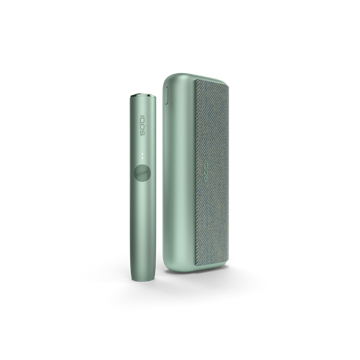
- Charger: before first use, fully charge your device. Go check our tips and hints to learn how to charge and stay up to date on your device’s battery status.
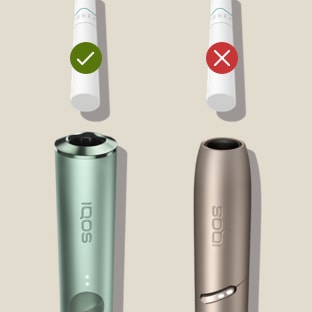
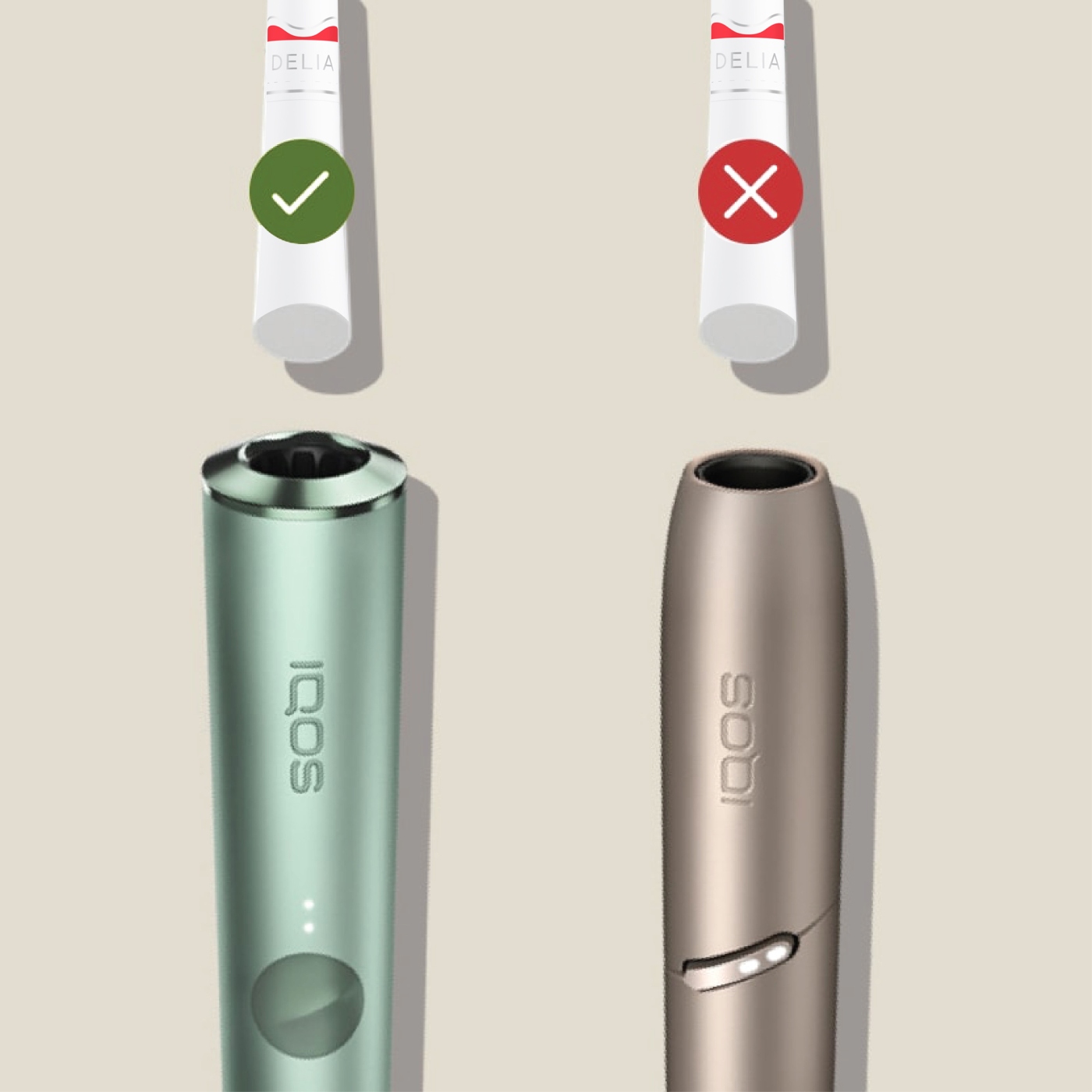
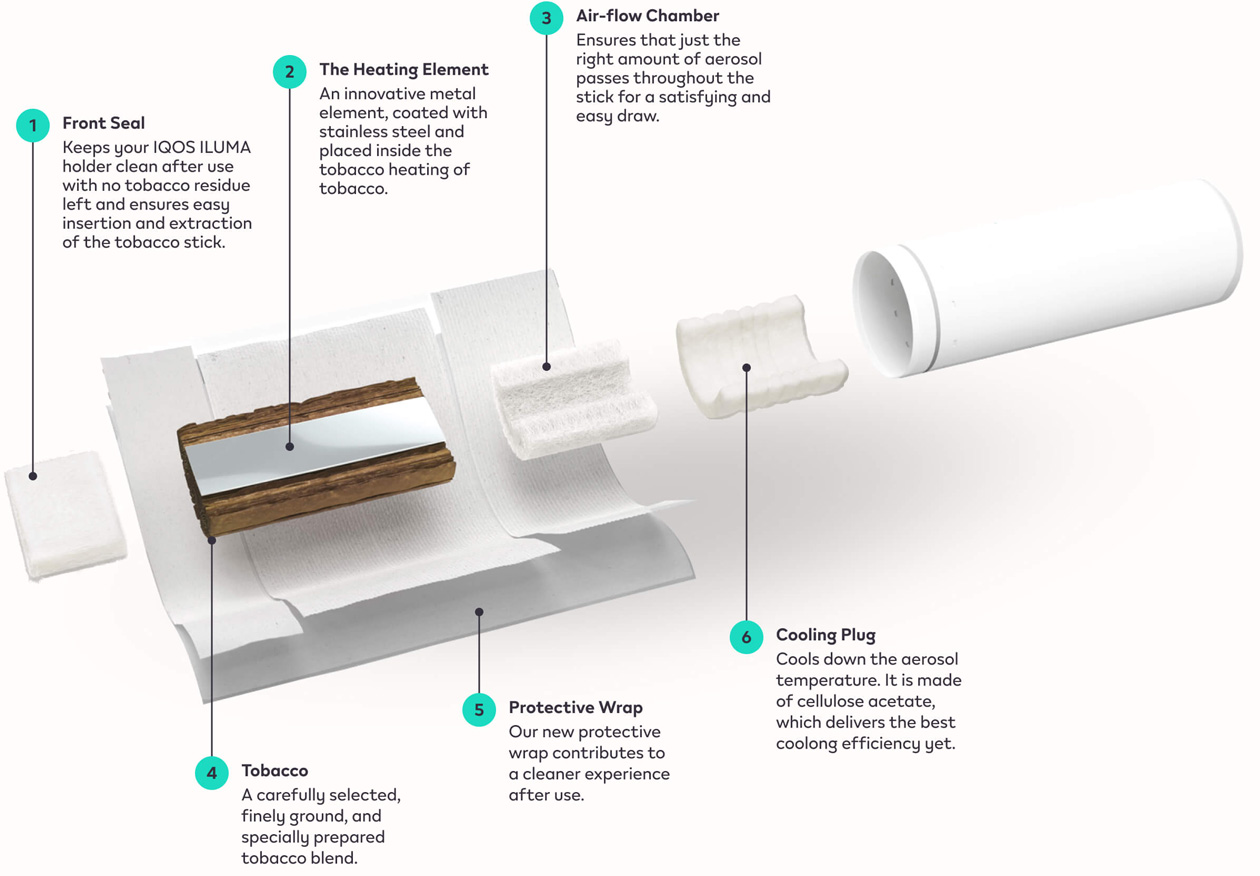
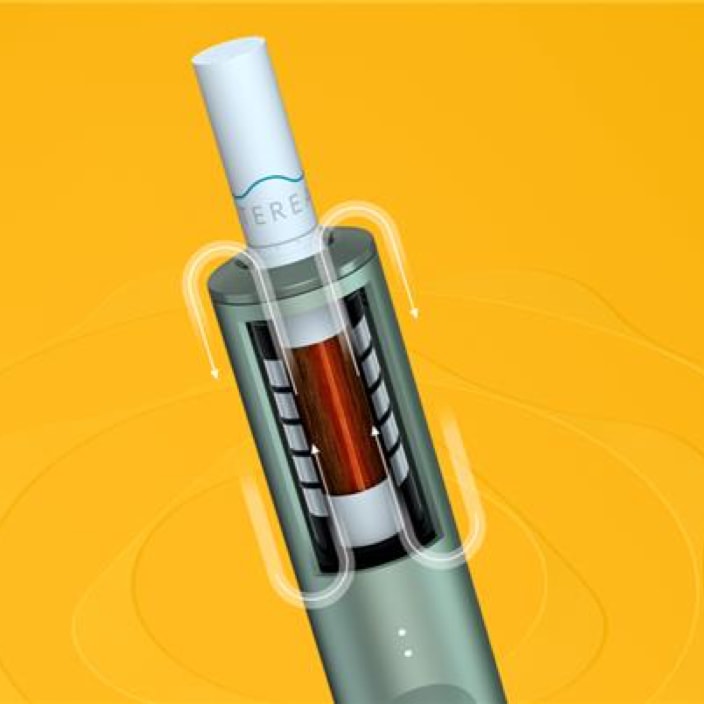
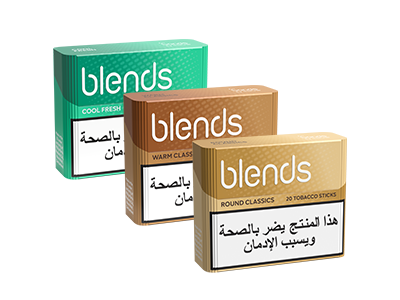
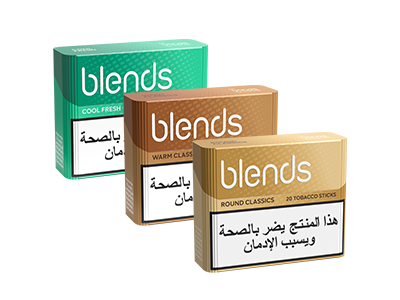
- Consumable: BLENDS sticks are designed to be used only with BONDS by IQOS. Before starting the experience, make sure that the consumable is correctly inserted into the device.
- You’re ready to start: go check How to use your BONDS by IQOS and enjoy the real tobacco taste in a new way.
How to use your BONDS by IQOS
- Switching on BONDS by IQOS: Make sure your BONDS by IQOS is charged enough to start the experience. Before first use, turn on your device by pressing and holding the on/off button for more than 3 seconds, but less than 10 seconds, then release. Four white lights will turn on slowly to indicate that the device is ready for next use.
- Insert BLENDS tobacco stick: Move smoothly the slider placed on top of your device, open it, and insert BLENDS tobacco stick up to the filter-tip line.
- Start heating: To start heating, briefly press the on/off button until the device vibrates, and four white lights pulse. A second vibration will follow after 10 seconds: take only one puff to prime your device. Then wait 20 seconds until the device vibrates again for the third time, and the four white lights stay fixed: you are now ready to enjoy your experience with BONDS by IQOS.
- Experience countdown: For experience countdown, four white lights will show you the time and puffs left. To signal the last 30 seconds, the device vibrates and one white light pulses. When finished, remove the used BLENDS tobacco stick and dispose of it once cooled.
Discover the real tobacco taste
Enjoying the real tobacco taste is easy with BONDS by IQOS! All you have to do is follow the three vibrations:
- 1st vibration: your device is ON and starts heating tobacco
- 2nd vibration: take only one puff to prime your device
- 3rd vibration: the device is ready, you can start your experience
Stay up-to-date on the battery status
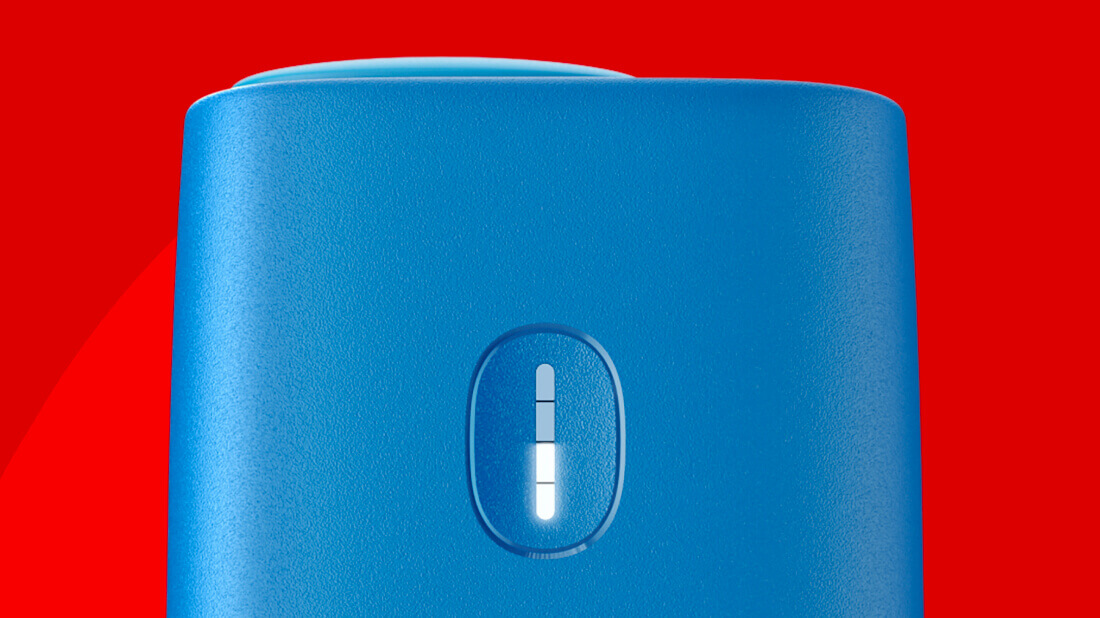
With BONDS by IQOS you can easily stay up-to-date on the battery status of your device. Press briefly the ON/OFF button and four white lights will turn on to indicate the level of charge of the battery:
- one white LED on = 25% charged
- two white LEDs on = 50% charged
- three white LEDs on = 75% charged
- four white LEDs on = 100% charged and ready to deliver up to 20 experiences